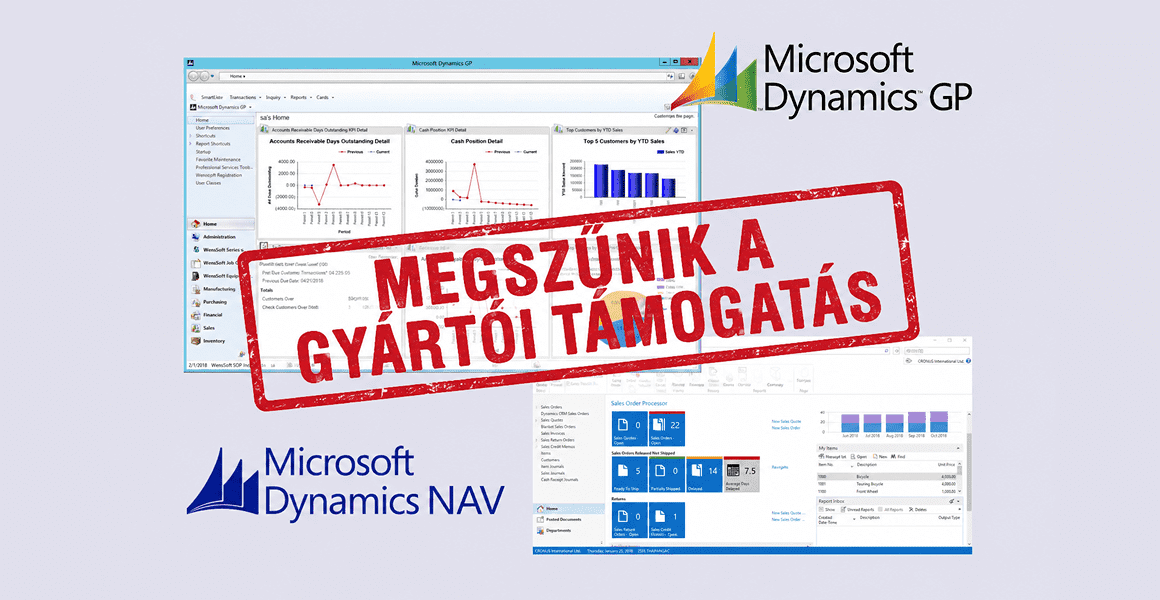

The transition from Microsoft Dynamics NAV to the Microsoft Dynamics 365 Business Central platform is not just a technological upgrade, but also a step forward for your business. Business Central provides a modern, continuously evolving ERP environment that is better suited to today’s business operations.
The transition from the Microsoft Dynamics NAV system to the Microsoft Dynamics 365 Business Central platform is primarily driven by lifecycle management, technological advancements, and changing business needs. Support for older NAV versions is being phased out, which poses security and operational risks, while localization and regulatory compliance are also becoming increasingly difficult. As companies’ operations grow more complex, older, heavily customized systems struggle to keep up. The upgrade provides an opportunity to review previous custom developments and rethink processes. Business Central offers a modern, integrable, and scalable architecture that better fits today’s digital environment. It also supports data-driven operations and AI-based capabilities while providing a more modern user experience. The switch is thus not merely a technical step, but the foundation for a conscious business transformation.
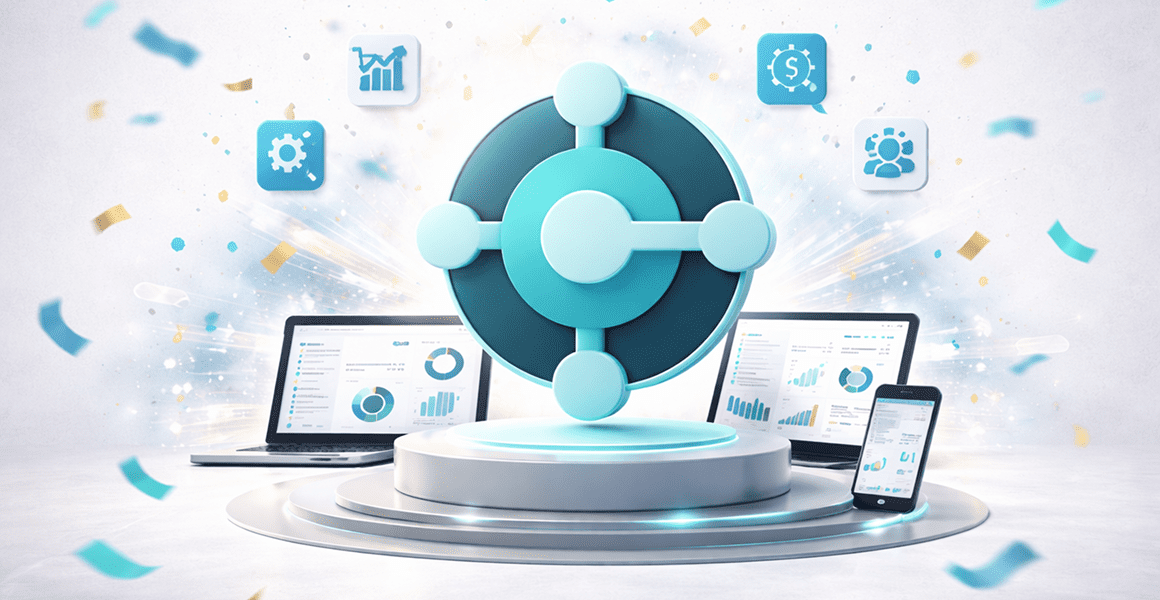

Business Central’s cloud-based operation allows the system to be accessed from anywhere, even via a web browser, while offering flexible options for on-premises, public, or private cloud deployment. Thanks to its modern architecture, version updates are easier, and integration capabilities with other systems—such as Office 365, Power BI, or other Dynamics applications. The platform can be used on multiple devices (desktop, tablet, mobile) and operating systems, with a user-friendly interface supporting daily work. Additionally, AI-based features and advanced search capabilities are available, which increase efficiency.
The strengths of the Hungarian localization of Microsoft Dynamics 365 Business Central are clearly evident in day-to-day use compared to Microsoft Dynamics NAV systems. Users notice the difference most in the smoother operation of financial and accounting processes: bookkeeping, VAT management, and closings are better aligned with domestic practices, requiring fewer manual steps. Reports and data submissions are more closely aligned with regulatory requirements, reducing the need for Excel-based add-ons. More unified, easier-to-use interfaces and advanced search capabilities increase efficiency. The system integrates better with automation and AI-based features, reducing the potential for errors. Overall, users experience a more intuitive workflow with fewer detours, where the system better supports their daily work.

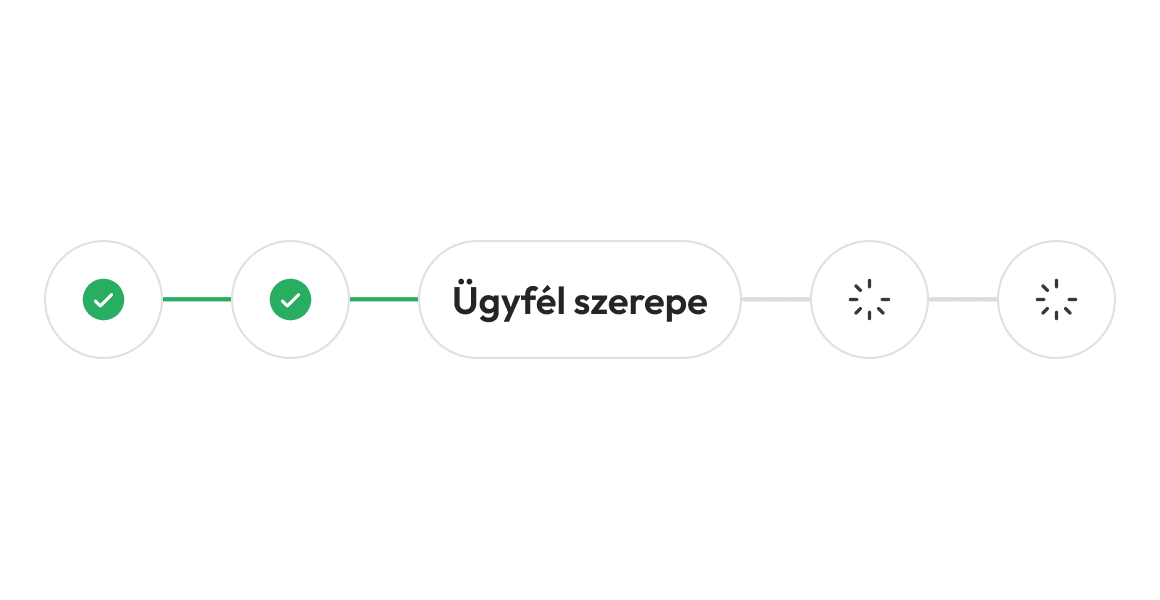
In many cases, clients believe that an ERP implementation can be carried out on a turnkey basis with minimal involvement on their part. The reality, however, is that the client plays a decisive role: they are not merely a customer, but an active project partner. Even during the preparation phase, it is essential to thoroughly map out business objectives and actual operations, as well as to involve key users. During the design phase, the client contributes to rethinking processes, deciding between standard and custom solutions, and setting priorities. During training, they support internal knowledge sharing and the adoption of the new operations, while during testing, they validate the system through real-world business scenarios. The foundation of a successful implementation is the client’s active participation in the project from start to finish, shaping the solution and ensuring its functionality in day-to-day operations.
Companies often hesitate to switch to a new ERP system, even when migrating from Microsoft Dynamics NAV to the Microsoft Dynamics 365 Business Central platform, because this involves not only a technological change but also an operational one. The current system is familiar and well-established, while the new one brings uncertainty, especially in critical areas such as finance or inventory management. Users are wary of the new interface and the temporary drop in efficiency, while rethinking previous custom developments also poses a risk. The quality and accuracy of data migration are also sensitive issues. Additionally, the project requires significant internal resources, which impacts day-to-day operations. In many cases, people underestimate that this is actually an organizational change, not just an IT development. And due to standardization and the cloud, there may be a perceived loss of control.


Before the transition, it is crucial for the client to prepare thoroughly. It is advisable to identify pain points, issues with current processes, and business needs in advance, as this makes the project faster and more predictable, and gives consultants a clearer picture of expectations. It is important that all relevant departments be involved during the preparation phase, as they are the ones who know the system’s operations best. End-users can be motivated if they feel that the goal is to make their work easier, not to add another burden—even if it temporarily involves extra work. In addition, it is essential that the organization familiarize itself with the new opportunities offered by Business Central and understand how daily operations will become simpler and more efficient. The quality of the preparation and the involvement of colleagues are fundamental to the success of the transition.