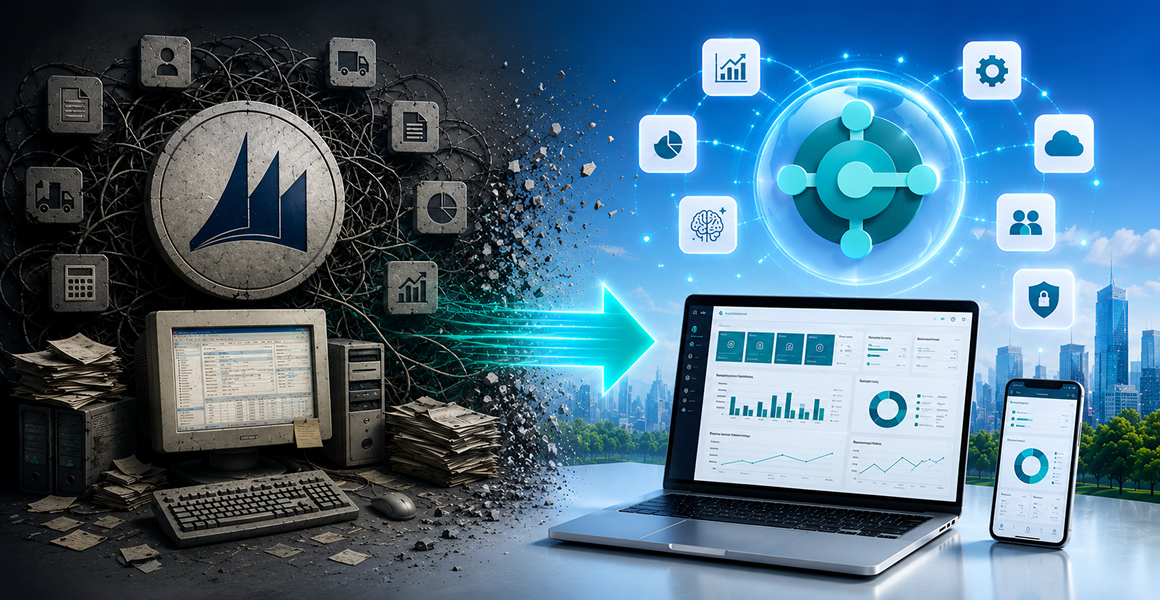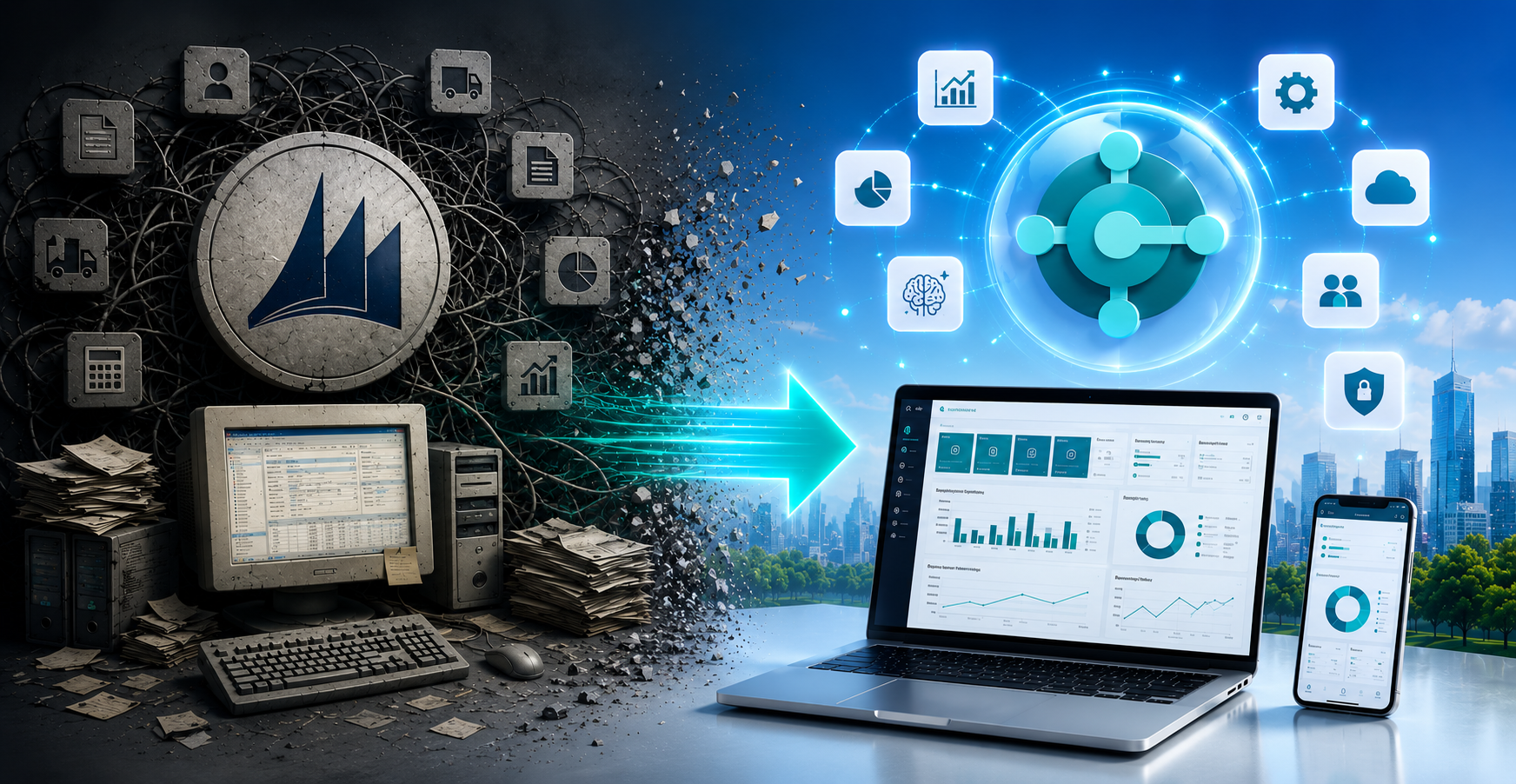
Lately, we’ve been hearing more and more from our clients that “Navision is still working, so we can deal with this later.” Honestly: not really anymore.
The lifecycle of Microsoft Dynamics NAVISION systems is coming to an end, and this isn’t just a technological issue. It’s a business risk. The system won’t stop working overnight, but it will gradually become harder and harder to maintain.
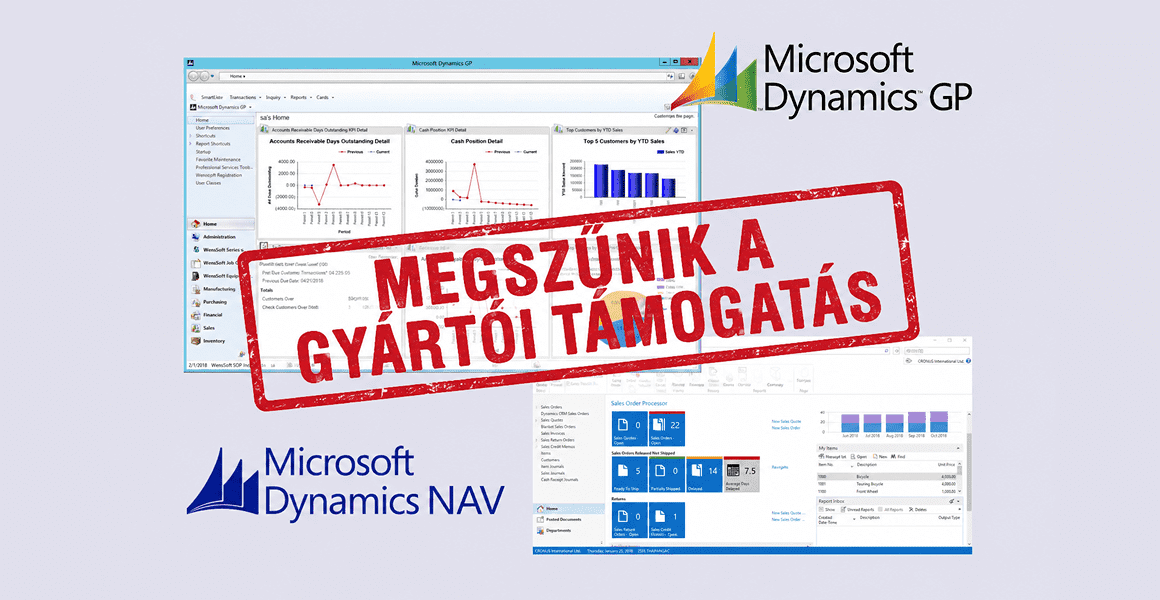
Microsoft has already discontinued mainstream support for Microsoft Dynamics NAV, and extended support periods will also gradually expire in the coming years. Support for Navision 2017 will end in January 2027, while support for Navision 2018 will end in January 2028. After that, following 2028, full manufacturer support for Navision systems will cease.
In practice, this means that every company using Navision must select a new ERP solution with long-term support by 2028 at the latest—one that ensures business continuity, meets regulatory and financial requirements, and is capable of keeping pace with technological advancements and the demands of modern business operations.


This is where most companies underestimate the situation. If your company sticks with the Navision system:
The biggest problem is that these issues do not arise all at once, but continuously increase operating costs and complexity.
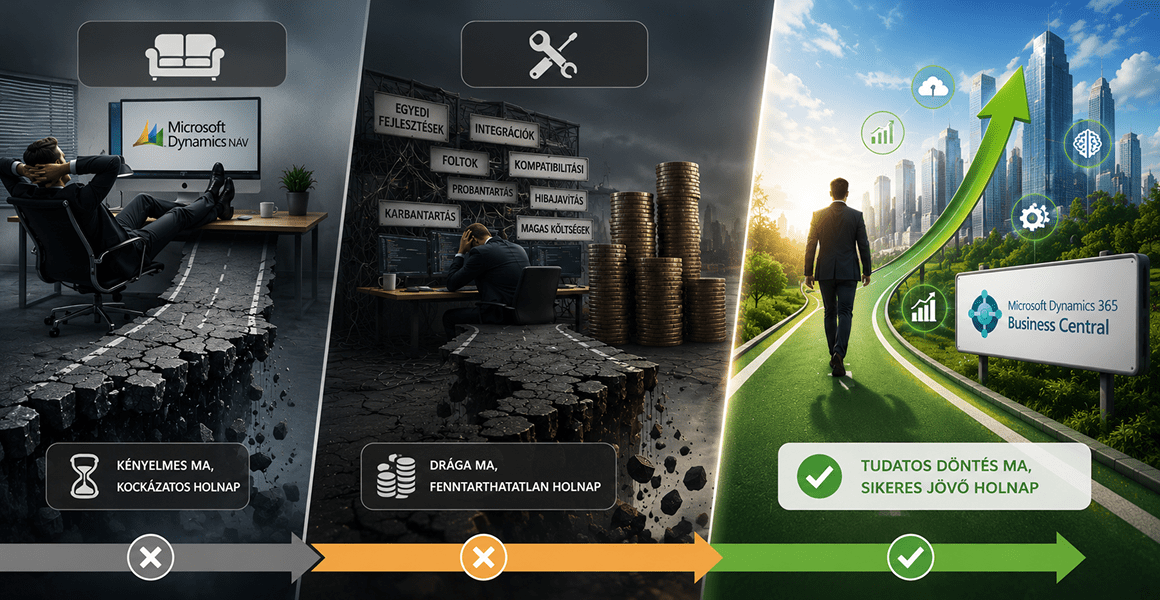
Sticking with Navision
This is a convenient short-term solution, as it doesn’t require immediate change. However, it’s risky in the long run and often reinforces the “we’ll deal with it when we have to” mindset, which can lead to a crisis later on.
You continuously develop and “patch” the system
You try to keep the existing environment alive with integrations and custom developments. At first glance, this may seem like a rational decision, especially if the development needs still appear manageable. However, the cost and complexity of these efforts are difficult to estimate in advance, and it often only becomes clear later that this approach is unsustainable in the long term.
You consciously switch to a modern ERP solution
This approach is not just about a technological shift, but about laying the foundation for the company’s future. It provides an opportunity to rethink processes, increase efficiency, and make conscious use of new technologies—such as the cloud and AI. The market trend clearly points toward a conscious, strategy-based transition.

One of the most common questions when switching ERP systems is: “Which system is the best?”
The short answer: there is no such thing as a universally best ERP system – only one that fits your company’s operations.
The quality of your decision depends largely on the fact that you’re not choosing a product, but rather looking for a solution to a business problem.
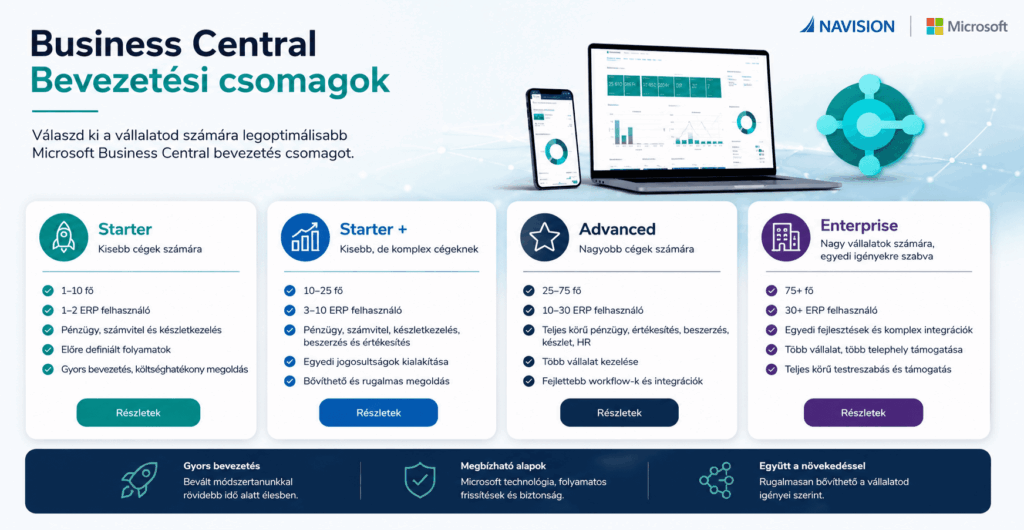
When selecting the right corporate governance system, the most important thing is not to look for a system first, but to find a solution that fits your specific operations.
Making a good decision doesn’t start with comparing products (though that’s important later on), but with clearly understanding what you need now and in the future.
As a first step, it’s worth considering:
What do you really need right now?
What are your medium-term goals?
What kind of operating model would you like?
What kind of technological environment do you work in?
These questions not only help you choose the right system, but also help you avoid unnecessary development and integration costs down the line.
In our experience, most companies don’t make mistakes when selecting a system, but rather right at the start: they haven’t clearly defined what they actually need.
This is where we can help:
In addition, we’ve created an ERP comparison that helps you:
We don’t want to “sell” you a system; rather, we want to ensure that the decision made is truly the right one for your company.
Business Central is no longer just an ERP
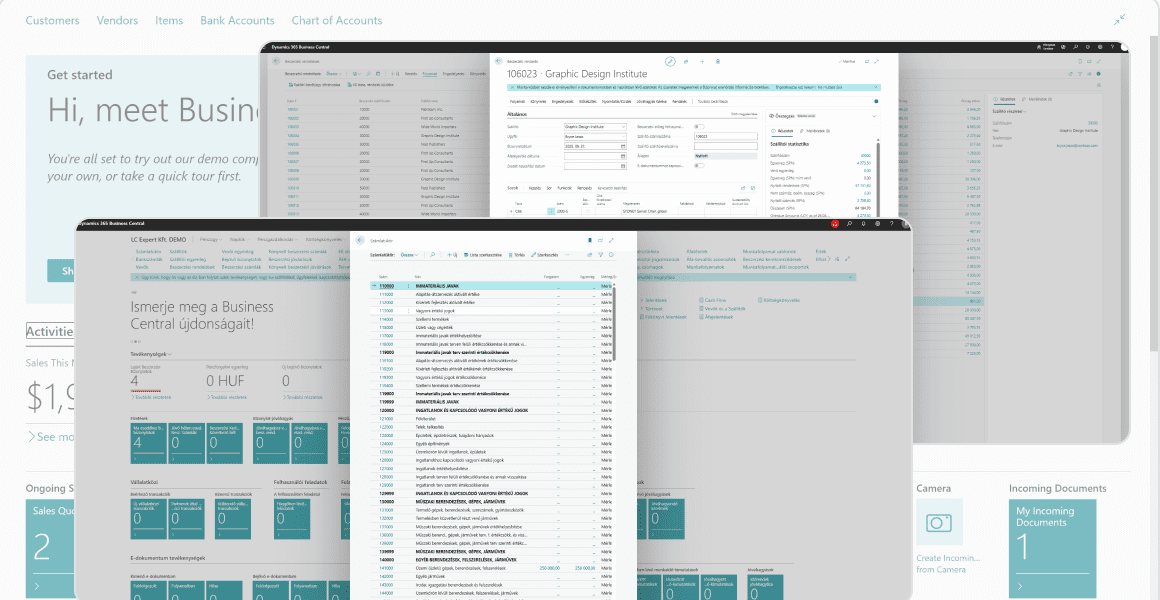
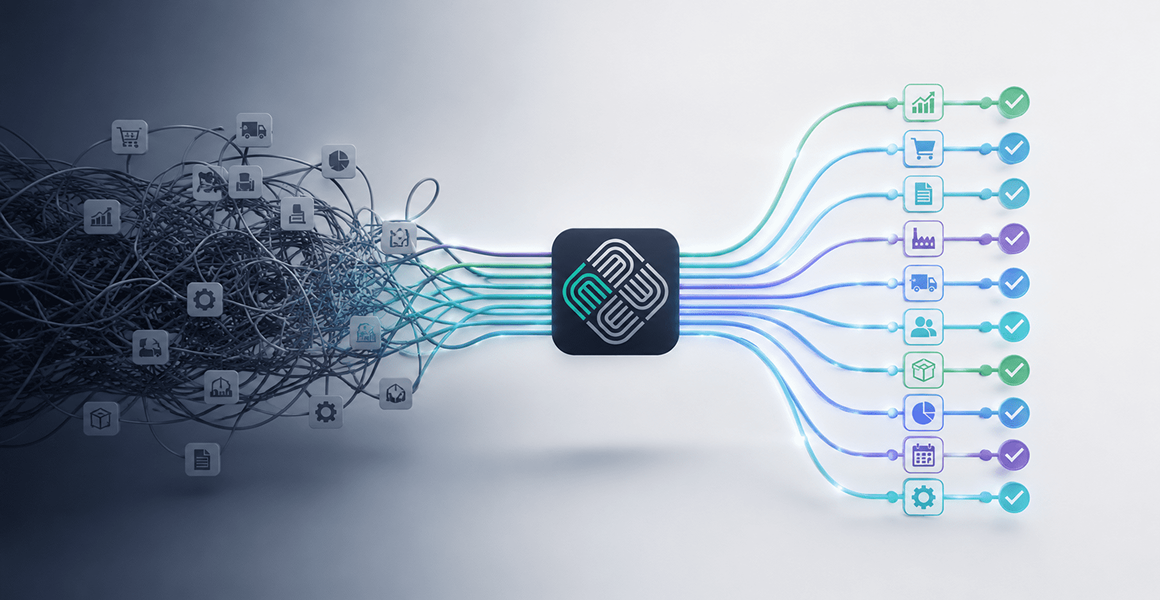
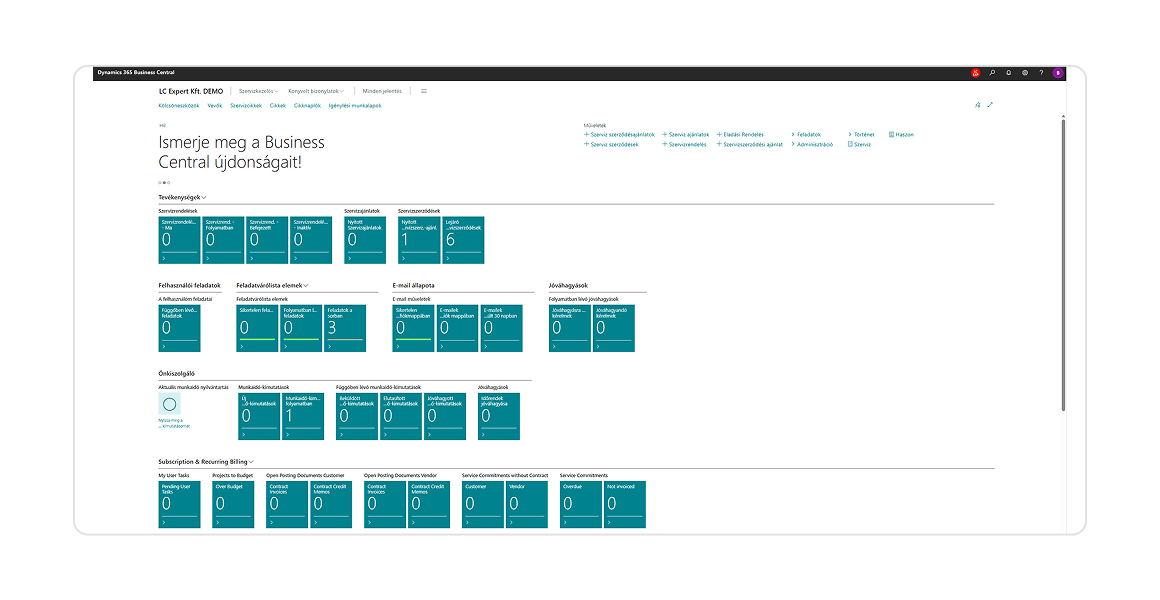
In the minds of many companies, ERP is still seen as a standalone system: finance, inventory, invoicing. Business Central, however, is now much more of an integrated business platform that works closely with the entire Microsoft ecosystem.
In practice, this means it integrates natively with:
Outlook, Excel, Teams, SharePoint, Power BI, as well as Power Platform and AI solutions.
This is important because companies today no longer operate on a single system. True value emerges in an integrated ecosystem where data, processes, and users all work within the same digital environment.